Tell the Agent to Write Its Scripts in Ruby
It is no secret that I like Ruby a lot and I am trying to use it as much as I can. It helps with quickly reviewing the output.
A little bit of archaeology/history
This seems to be also in the direction of the original intention of Matz when he created Ruby language:
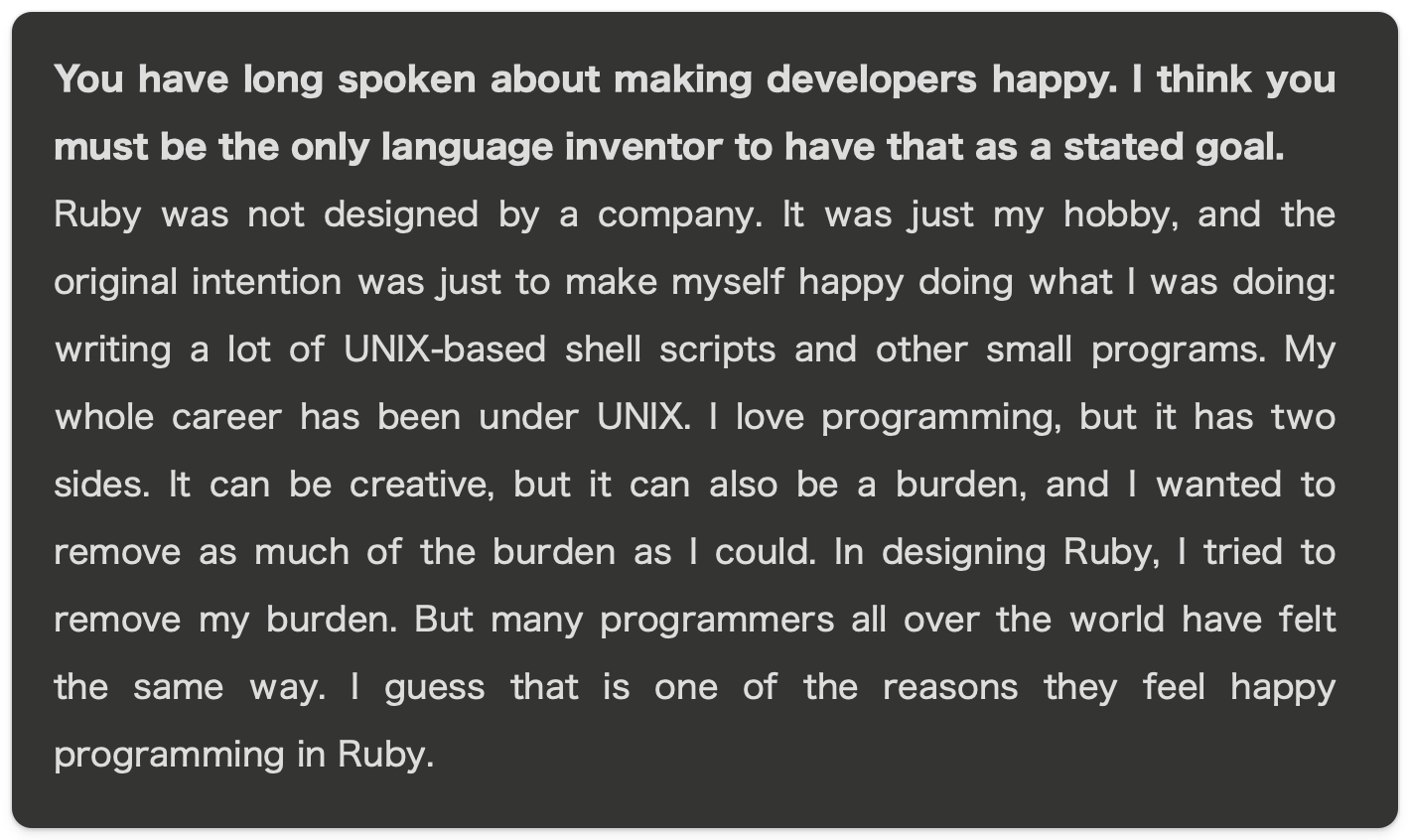 Source: https://gihyo.jp/dev/serial/01/software_designers/0034
Ruby was not designed by a company. It was just my hobby, and the original intention was just to make myself happy doing what I was doing: writing a lot of UNIX-based shell scripts and other small programs. My whole career has been under UNIX. I love programming, but it has two sides. It can be creative, but it can also be a burden, and I wanted to remove as much of the burden as I could. In designing Ruby, I tried to remove my burden. But many programmers all over the world have felt the same way.
Ruby is a great fit for any shell script
Look at this beautiful line of code:
puts `ls`.lines
Or this code:
`ls`.lines.select { it.start_with?(/screenshot/) }.map(&:rstrip)
# => ["screenshot-backticks.md", "screenshot-backticks.png", ...]
I find it quite amazing how using backticks you can run commands and those commands are Ruby objects that you can then use further on.
Notice the rstrip in there. What comes back from the shell still carries the newline at the end of every line:
`ls`.lines
# => ["article.md\n", "instagram\n", "instagram-1-hook.md\n", ...]
And for something like listing files, the standard library does the whole job without shelling out at all:
Dir.glob("screenshot*.md")
# => ["screenshot-backticks.md", "screenshot-override.md", "screenshot-scripts-rule.md"]
A little bit under the hood of amazing Ruby
If you are new to Ruby you might ask yourself what is the backtick doing?
Well as with everything in Ruby the answer is: a method on an Object.
In this case the method name is ` and belongs to the object Kernel. See Kernel#`
And if you open irb you can see it yourself:
method(:`) # => #<Method: Object(Kernel)#`(_)>
And of course because it is a method on an object you can override it:
def `(command)
  puts "Executing: #{command}"
  super
end

`ls`
# Executing: ls
# ["article.md", "screenshot.md"]
Of course this is not the only way to execute other shell commands in Ruby and you should probably use Open3 for example as it is less prone to OS command injection. I just shared this as an example about how cool Ruby is.
Anyhow I digress with all of this. Just remember Ruby is amazing and can be used for shell scripts.
Configure agents to write scripts in Ruby
If you want your agents to write shell scripts or any kind of scripts in Ruby, add this one block in the main instruction file (see next section in case you want to add this for all projects or only for specific ones):
## Scripts

Write throwaway and utility scripts (data munging, one-off migrations,
file renames, glue code) in Ruby, even in projects written in another
language. If it needs a pipe, a loop, a conditional, or more than one
line, it is a script: write it in Ruby, not Python, Node, or bash.
Single self-contained commands (`grep`, `git status`) are fine as-is.

Use only the Ruby standard library. If a gem would clearly save
significant effort, stop and ask before using it.

Put temporary scripts in a scratch or temp directory, not the repo
root, and delete them when done unless asked to keep them.
A few things I learned tuning this:
- Say “standard library only” out loud. Otherwise a helpful and eager agent will try to add gems, will sometimes try to create a
Gemfile, and now the throwaway script needsbundle install. The whole point of a throwaway script is that it has no setup. - Keep the single-command escape hatch. I do not want a full Ruby file to
lsa directory. For one honest shell command, let it use the shell. The rule is about scripts, not about every command.
One repo, or every repo
When you add the instructions above in a project’s CLAUDE.md or AGENTS.md, it will only work when you start agents session in that project directory.
I did not want to paste it into every project, so I moved it up to the user-level file that both tools load in every session:
| Tool | Applies everywhere | Applies to one repo |
|---|---|---|
| Claude Code | ~/.claude/CLAUDE.md |
<repo>/CLAUDE.md |
| Codex | ~/.codex/AGENTS.md |
<repo>/AGENTS.md |
What I wanted was to set “write scripts in Ruby” once at the user level, and let the rare project that is genuinely a Python or JavaScript codebase override it with its own ## Scripts block. Default everywhere, exception where a repo might really need it which I am yet to find as the throwaway scripts are usually not added to project repo.
Two things worth knowing.
Claude Code and Codex do not read each other’s files, so globally I either keep the same block in both ~/.claude/CLAUDE.md and ~/.codex/AGENTS.md, or I write it once in ~/.codex/AGENTS.md and import that from ~/.claude/CLAUDE.md with a @~/.codex/AGENTS.md line.
For Codex, confirm your version actually reads the global ~/.codex/AGENTS.md, because picking up the global location has been inconsistent across releases. If yours does not, keep the rule in each repo’s AGENTS.md until it does.
If you use any other agent harness you should read where they keep their global instructions file or if they have a system prompt that can be modified then use that.
The value
(1) The value is not that Ruby runs the task better than Python. For many tasks they are similar. The value is that I can review, trust, and maintain what the agent leaves behind, because it is written in the language I already know deeply. I can ask the agent to save all scripts they wrote in a session in a specific folder on disk and then review it (manually even) if needed.
(2) An agent generates code faster than I can read it throughly. So the language it writes in is the language I have to be fluent in to keep up. When the agent writes Ruby, I stay the reviewer. When it writes Python I do not read every day, I quietly become a rubber stamp, and code reviewed like that is code that could introduce subtle bugs because most of the time these scripts are used to inform the context.
(3) Sometimes Python or Node genuinely is the right call, because the library only exists there. When I ask the agent to talk to a service with a mature Python SDK and no Ruby equivalent, I want Python. I override the instruction in the prompt when the task fits.
A small note about the future
Maybe this is a hint that while one can use with LLMs almost any language maybe it is faster and easier to make it write code in the language that you know best if that language can be all purpose language mostly.
A gem
For the fun of it I made a small gem, cause why not.
You can find it here: https://github.com/lucianghinda/all-in-ruby and it works like this:
gem install all_in_ruby

all-in-ruby install --global --dry-run

all-in-ruby install --global
It is of course a gem generated with Claude Code and I think the entire code could easily fit into a single simple file. Or it could be a simple bash command executed after copying the prompt I shared in this article:
# For MacOS
pbpaste >> ~/.claude/CLAUDE.md
pbpaste >> ~/.codex/AGENTS.md

## Linux
cat PROMPT.md >> ~/.claude/CLAUDE.md
cat PROMPT.md >> ~/.codex/AGENTS.md