Improving Git Diffs with Delta
Senior Product Engineer, working in Ruby and Rails. Passionate about idea generation, creativity, and programming.
I curate the Short Ruby Newsletter.
Working with LLMs means reviewing way more diffs than before. I discovered delta a while back and this was such a huge improvement to working in a terminal and having amazing syntax highlighting for diffs.
If you spend significant time reviewing code changes in the terminal, delta can transform your workflow from reading simple diff output to working with syntax-highlighted, readable diffs.
Installing and Configuring Delta
First, install delta from https://github.com/dandavison/delta
Then configure your .gitconfig:
[core]
    pager = delta

[interactive]
    diffFilter = delta --color-only

[delta]
    navigate = true
    dark = true

[merge]
    conflictstyle = zdiff3
Visual Comparison
The difference is immediately visible when you run git diff. Without delta, you get standard monochrome output that can be hard to parse, especially for longer diffs. With delta, you get:
Syntax highlighting based on file type
Side-by-side or unified view options
Line numbers
Better visual separation between changes

Configuring Lazygit with Delta
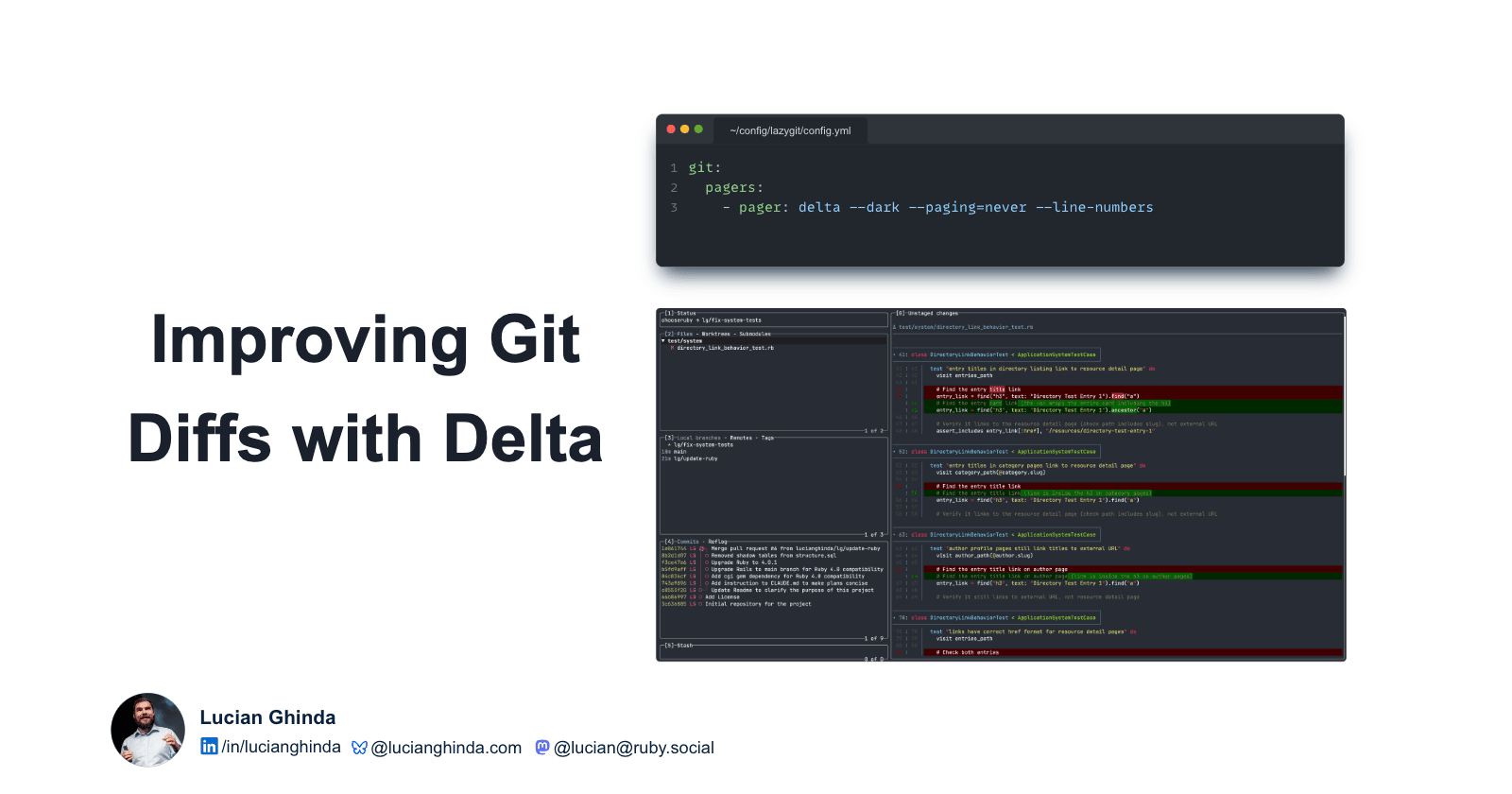
I use lazygit for managing my git workflow. Configuring it to work with delta is simple, just add this line to your lazygit configuration:
git:
  paging:
    pager: delta --dark --paging=never --line-numbers
The Result
Without delta, lazygit displays diffs in plain diff format with just a bit of highlighting. With delta configured, you get the same rich syntax highlighting and visual improvements directly in your lazygit interface.
Here is how lazygit looked without delta configured:

And here is how it looks like with delta configured:

This makes reviewing changes faster and reduces eye strain when working through multiple diffs in a session. When you are working with LLMs and constantly reviewing generated code or refactorings, these small improvements in readability add up quickly.
👉 If you like this article and want it in your inbox each week, subscribe to my newsletter. You’ll find ideas on Ruby, software development, software testing, building products and workshops, plus notes on creativity, tech trends, and whatever else sparks my curiosity.
👐 Want to improve your developer testing skills? Visit goodenoughtesting.com/articles to discover resources on testing for developers.
👉 Join my Short Ruby Newsletter for weekly Ruby updates and visit rubyandrails.info, a directory of Ruby learning content.
🤝 Connect with me on Linkedin, Bluesky, Ruby.social, , and Twitter, where I mostly post about Ruby and Ruby on Rails.
🎥 Follow my YouTube channel for short videos about Ruby and Rails.