How to create a new project with Rails 7.0.0.rc1
Or with any pre-release version
L
Senior Product Engineer, working in Ruby and Rails. Passionate about idea generation, creativity, and programming.
I curate the Short Ruby Newsletter.
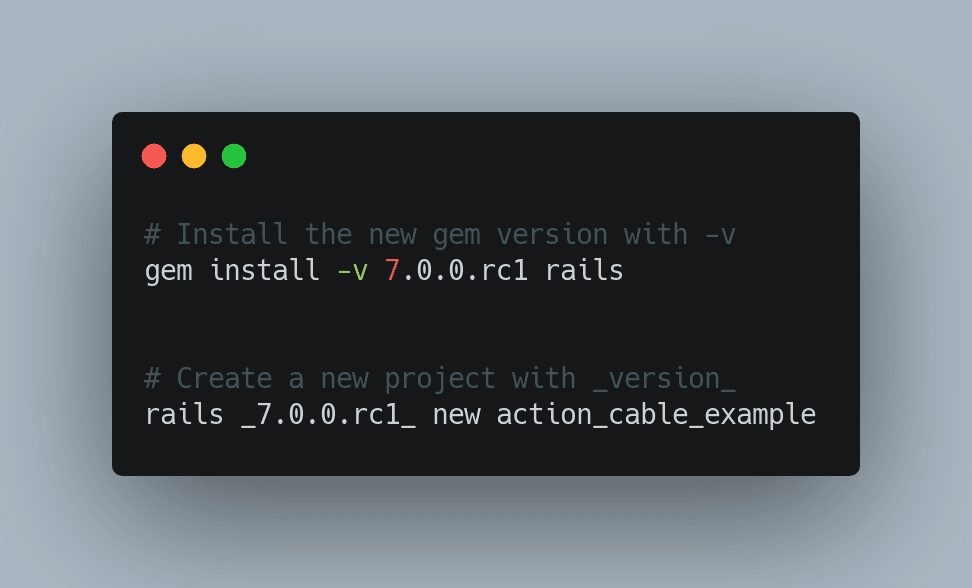
In case you want to start a new project with Rails 7.0.0.rc1 (or any other alpha or Rc release) here is how to do this very simple:
- Install the new version of the gem with
gem install -v 7.0.0.rc1 rails
- Create a new project by specifying the version like this:
rails _7.0.0.rc1_ new rails7_example
Done 👏
Now you can start coding